
Learn how to efficiently manage and assign match officials to specific competitions within the RefAssist platform. This guide provides a step-by-step walkthrough for configuring appointment details and updating referee roles for upcoming league fixtures.
How to Assign Referees to Matches on RefAssist
1. Navigate to https://home.refassist.com/
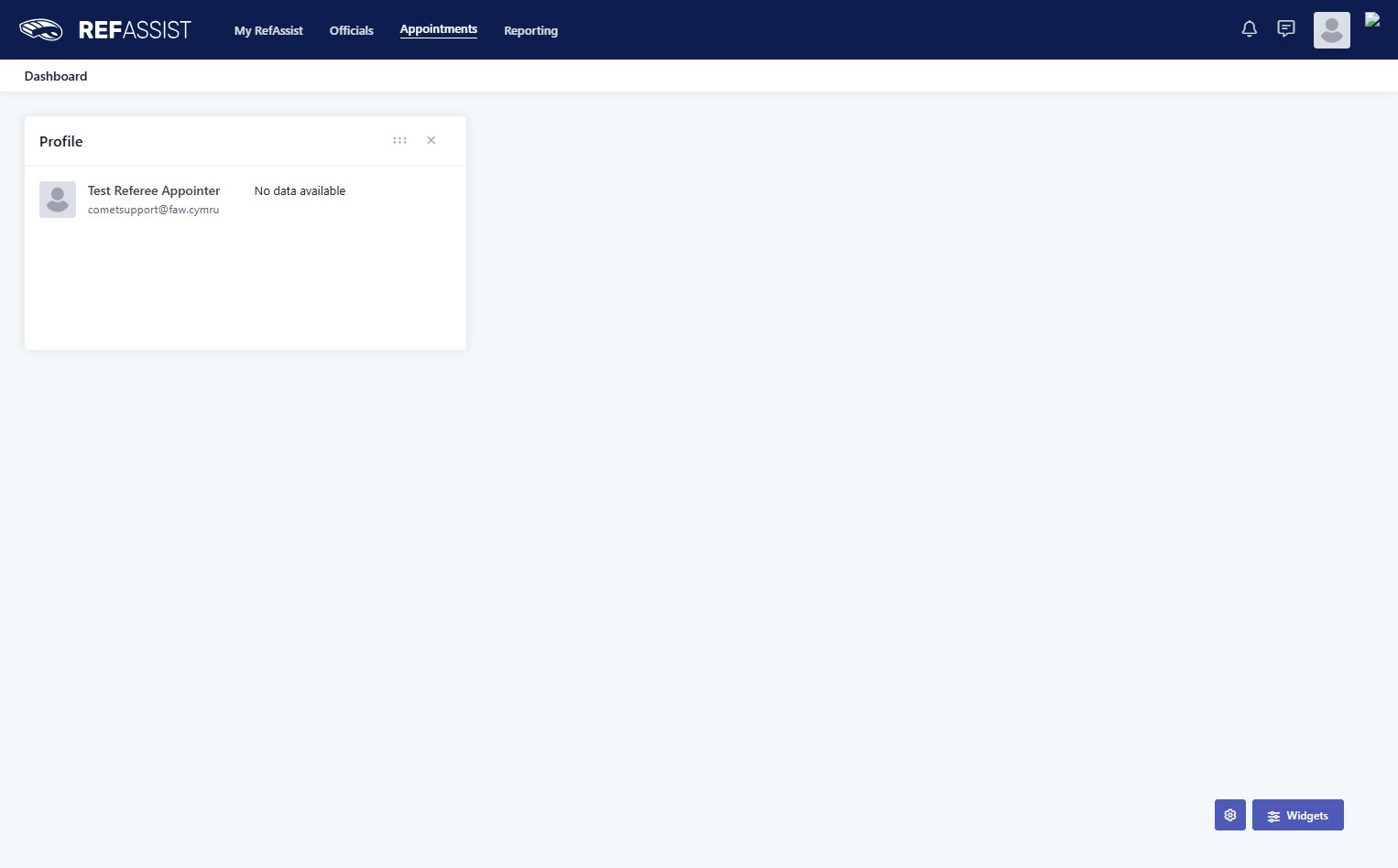
2. Navigate to Appointments > Appointments - match.
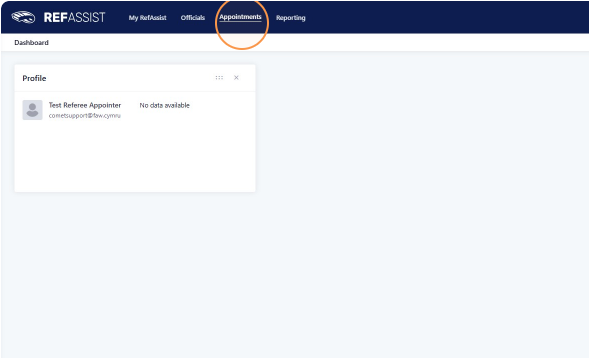
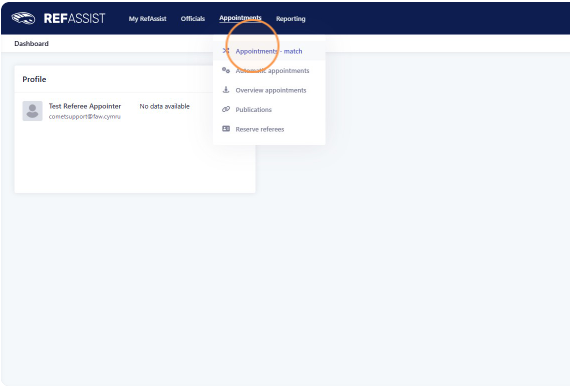
3. Navigate to Appointments > Appointments - match.
4. Navigate to 'Filter'
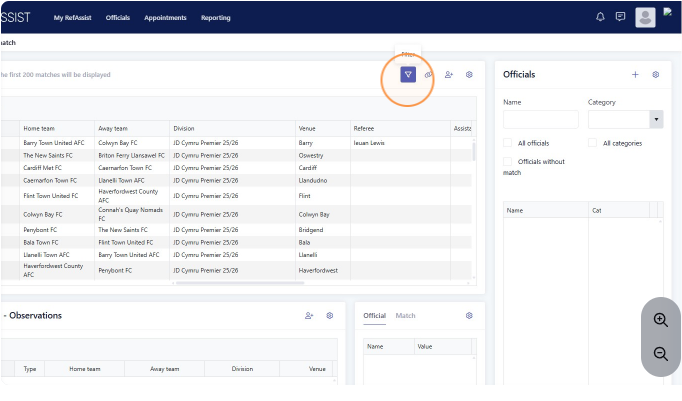
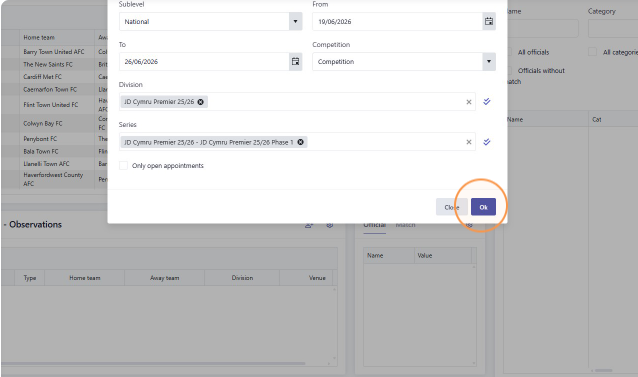
5. Open the Filter menu and filter by date range you wish to appoint. Also make sure that the 'sublevel' matches the league are you appointing for.
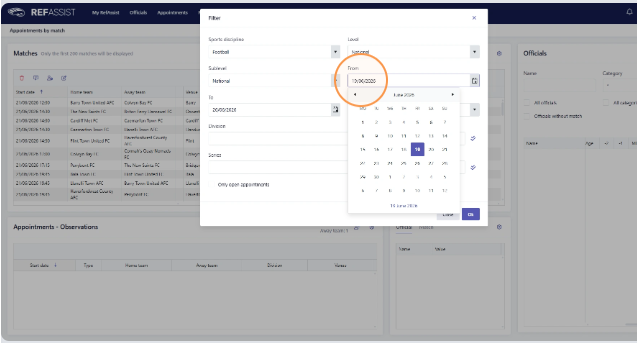
6. Select type of fixture as 'Competition'. The system is set up so that league cups will fall under this type so they are all in one place. If you are looking for an AA Cup, then you might need to view as 'Cup'
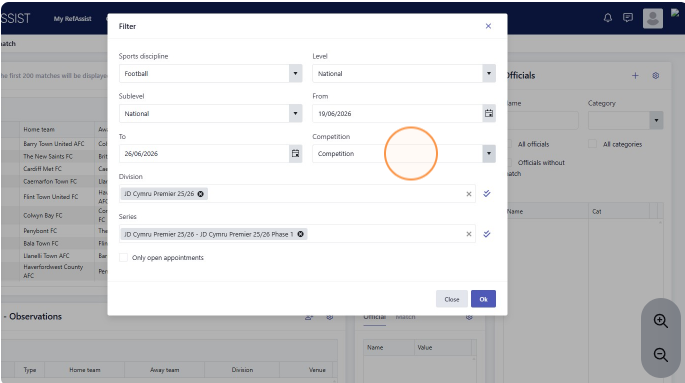
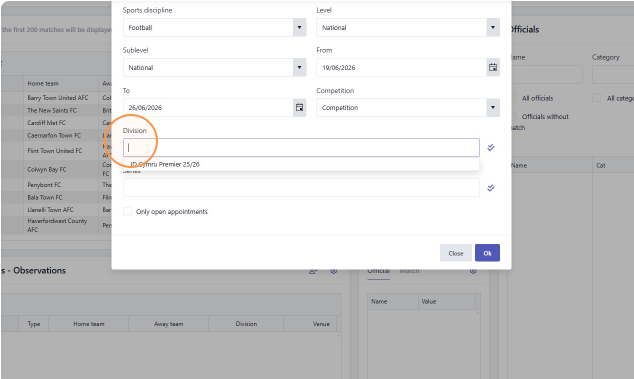
7. Select the League you are appointing to in the Division field. These will generally be a choice of Adults, U12-U14 or U15-U19.
8. You can then click Select all Series to see all of your specific competitions, or choose your competitions from the drop down
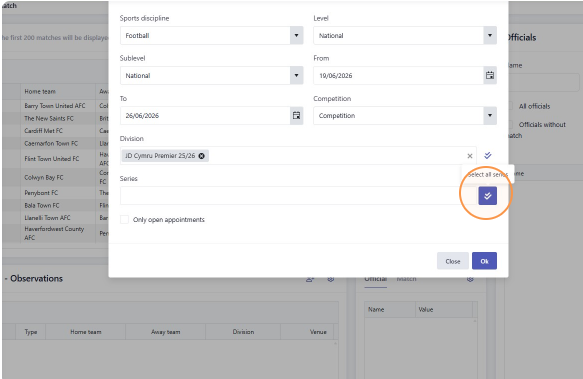
9. Click 'Ok' to apply the filters.
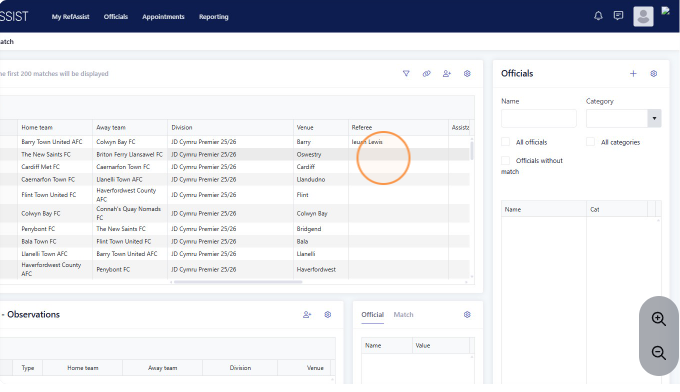
10. Click on the Vacant referee/Assistant Referee box
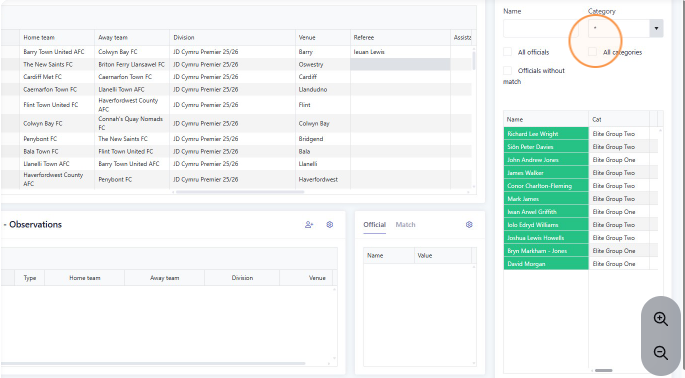
11. Filter the officials list by category. Alternatively, you can see what category they are on the list next to their names.
12. You can scroll across to see distance from ground, Whether they have been appointed MD-1 or MD+1 etc. Any Referee in Green is available.
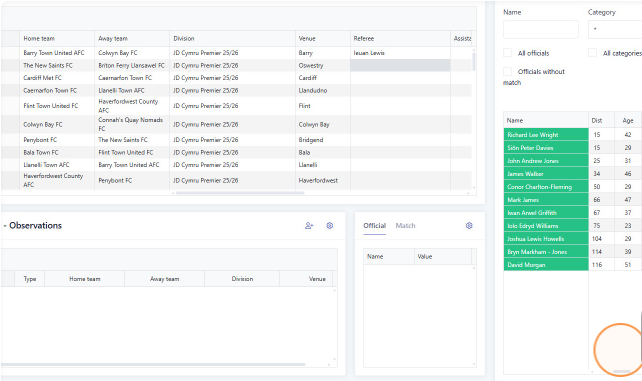
If they have a game on MD -1, this will show as a red circle.
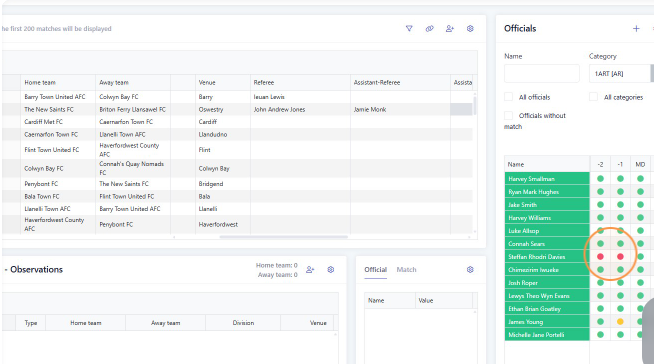
13. Select the required referee, and then press Add.
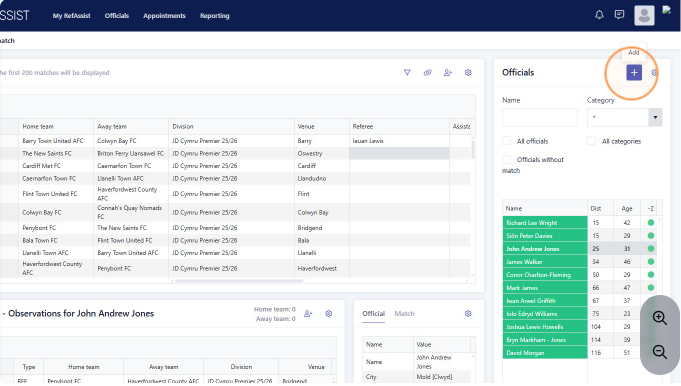
14. The referee will appear in the list.
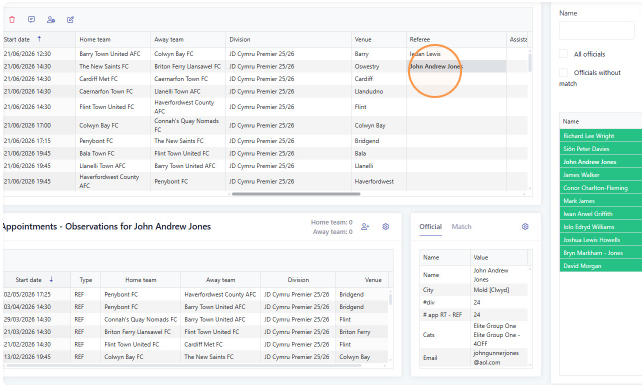
15. Repeat this step for the next matches or available positions.
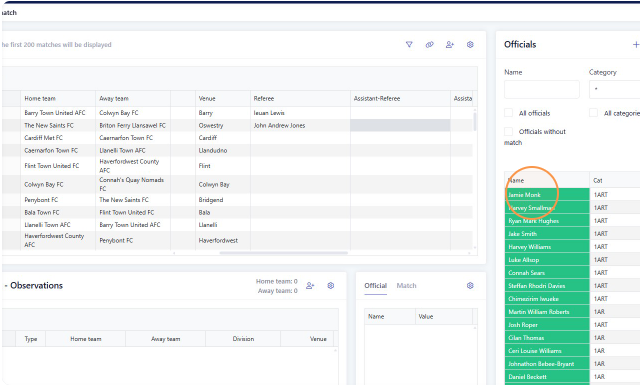
Publishing the appointment
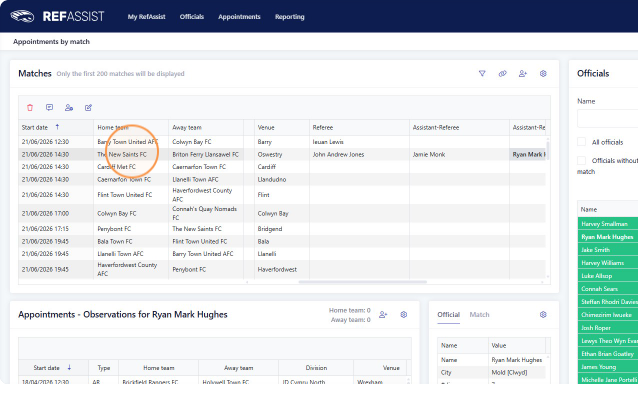
1. Select the match row in the Appointments table.
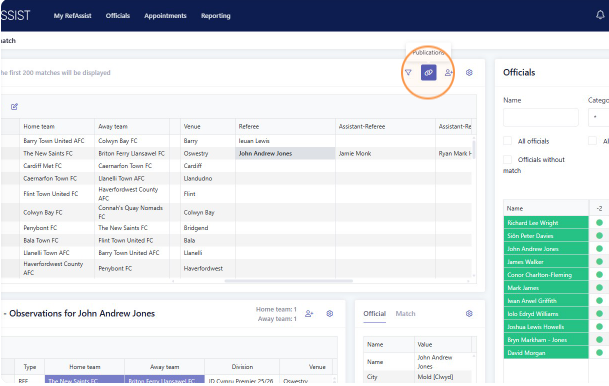
2. Click the 'Publications' icon.
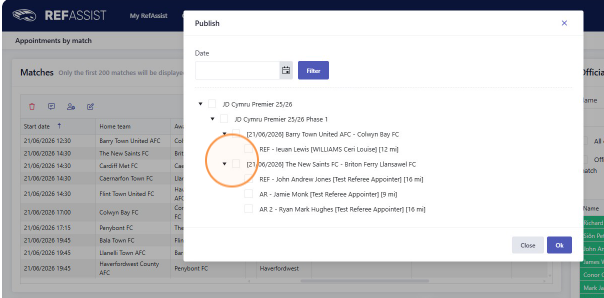
23. Click this checkbox and press 'Ok'.
24. Click "Close"
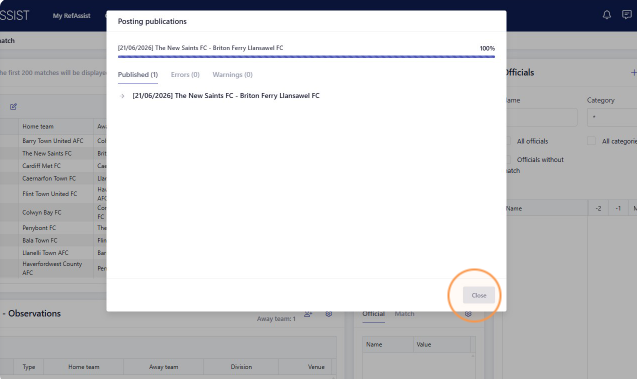
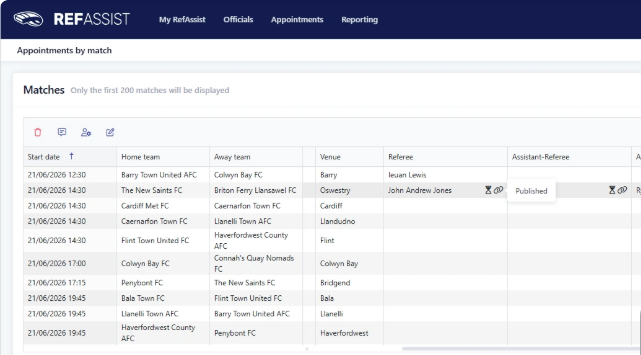
25. The chain link icon shows the fixture has been published.
Was this article helpful?
That’s Great!
Thank you for your feedback
Sorry! We couldn't be helpful
Thank you for your feedback
Feedback sent
We appreciate your effort and will try to fix the article