
Similar to creating a new match request, clubs can also request changes to the venue, pitch, start date, and/or kick-off time for any future match in the system.
Once both clubs have submitted the request in order, it will be reviewed by the relevant Competition Manager. If approved, the match details will be automatically updated in line with the request.
Competition Settings
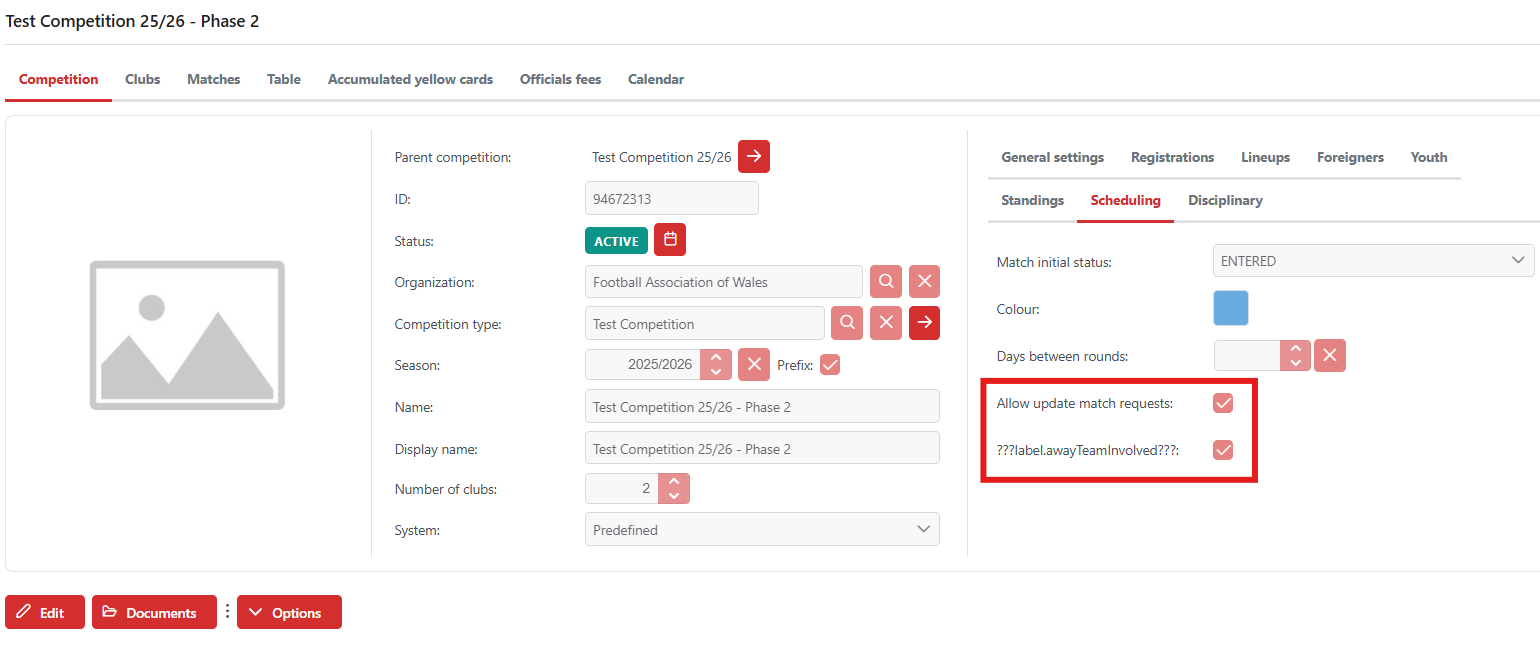
In order to allow clubs to create match requests the settings within the competition must be ticked as seen below:
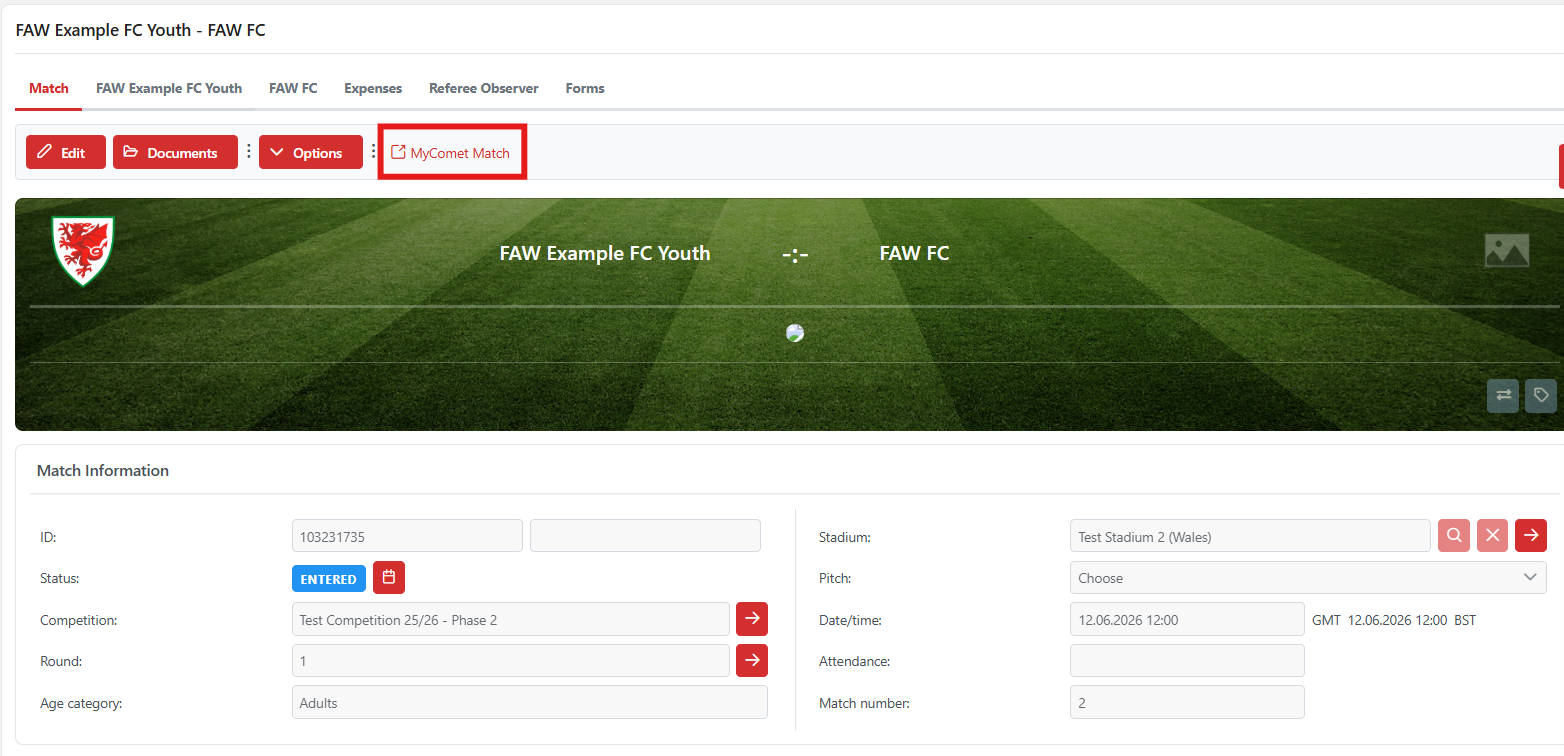
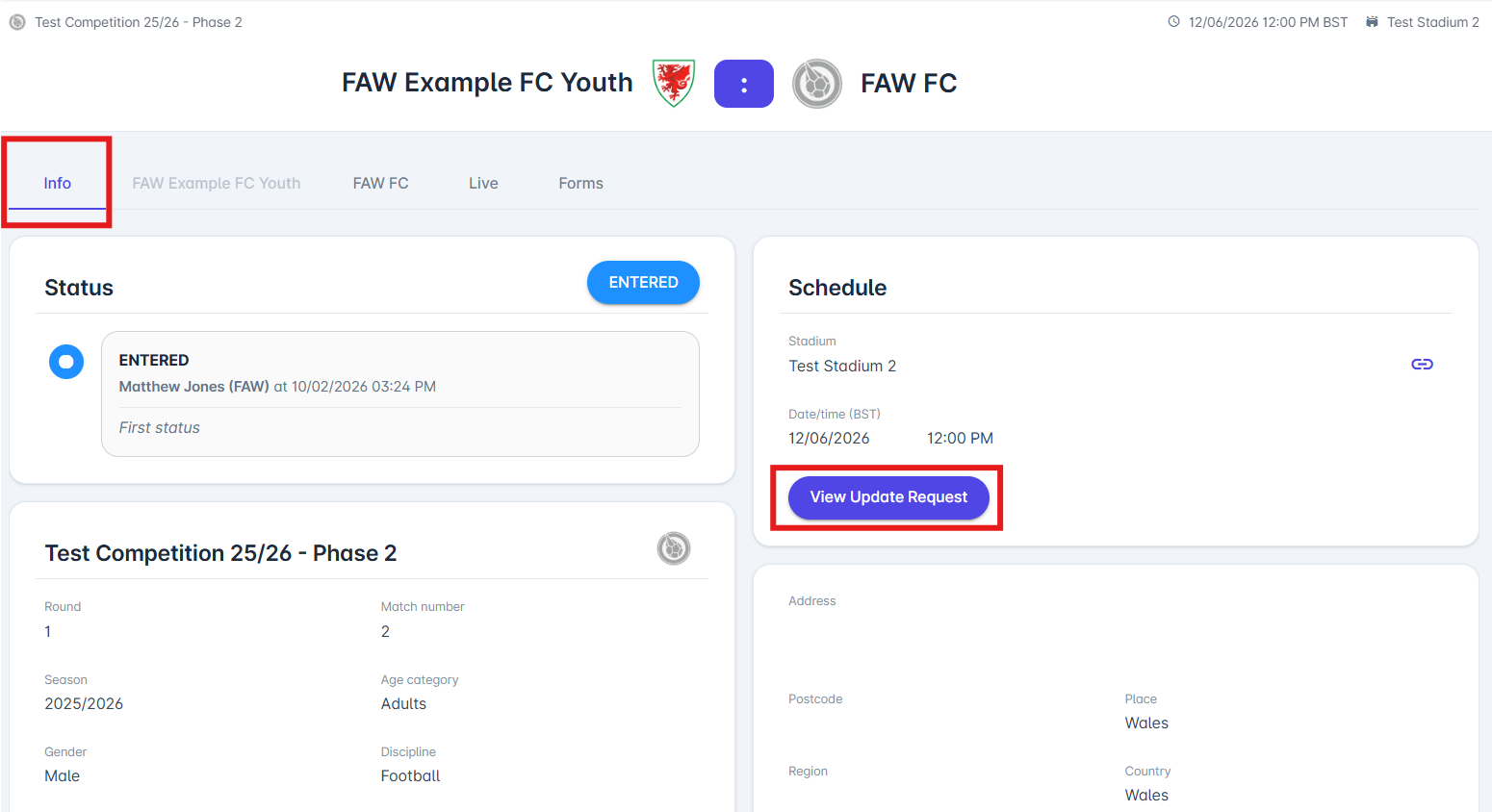
To go directly onto the match on MyComet click the 'MyComet Match' button next to the options for the match.
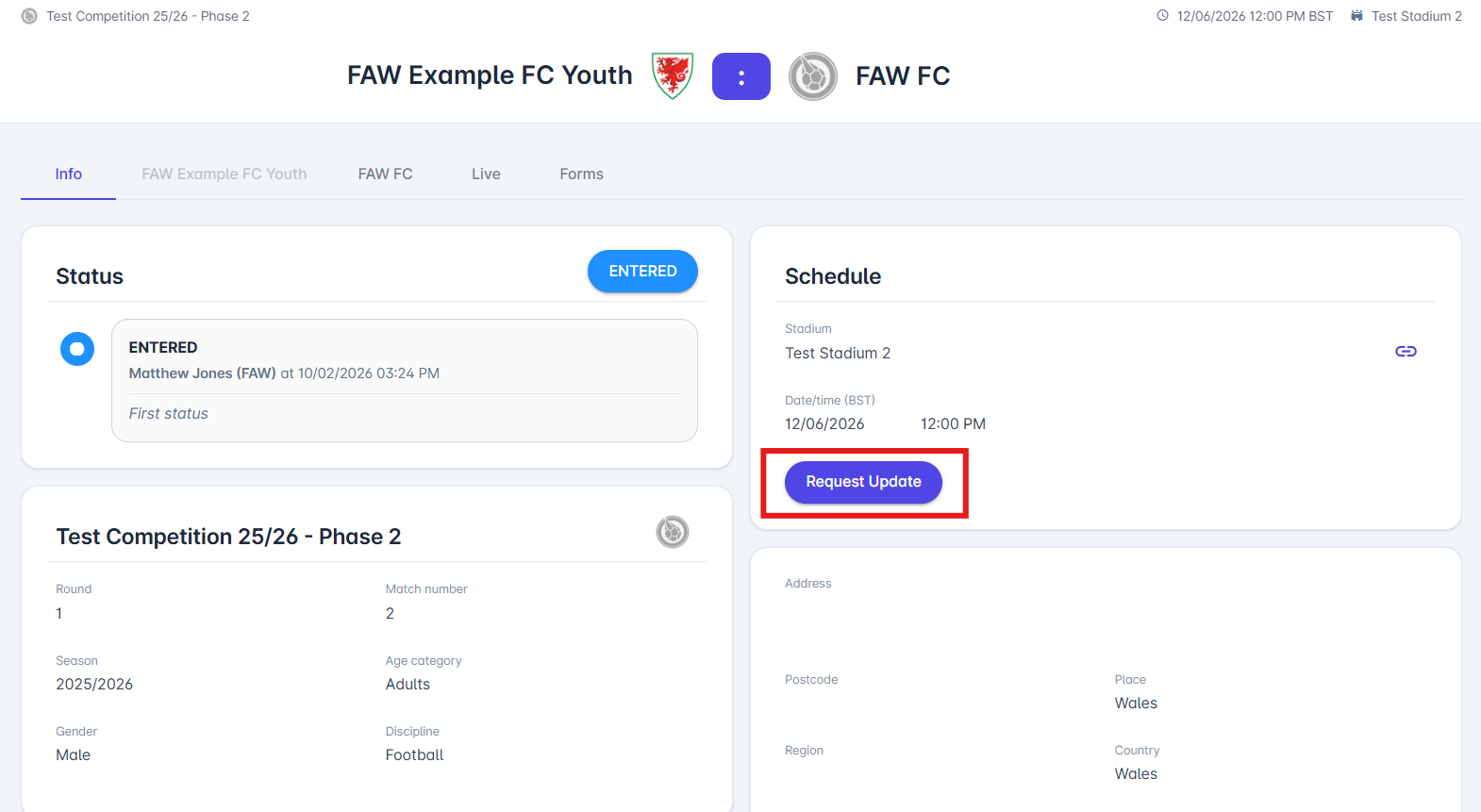
Now once on the match that you want to request to update click on the 'Request Update' button.
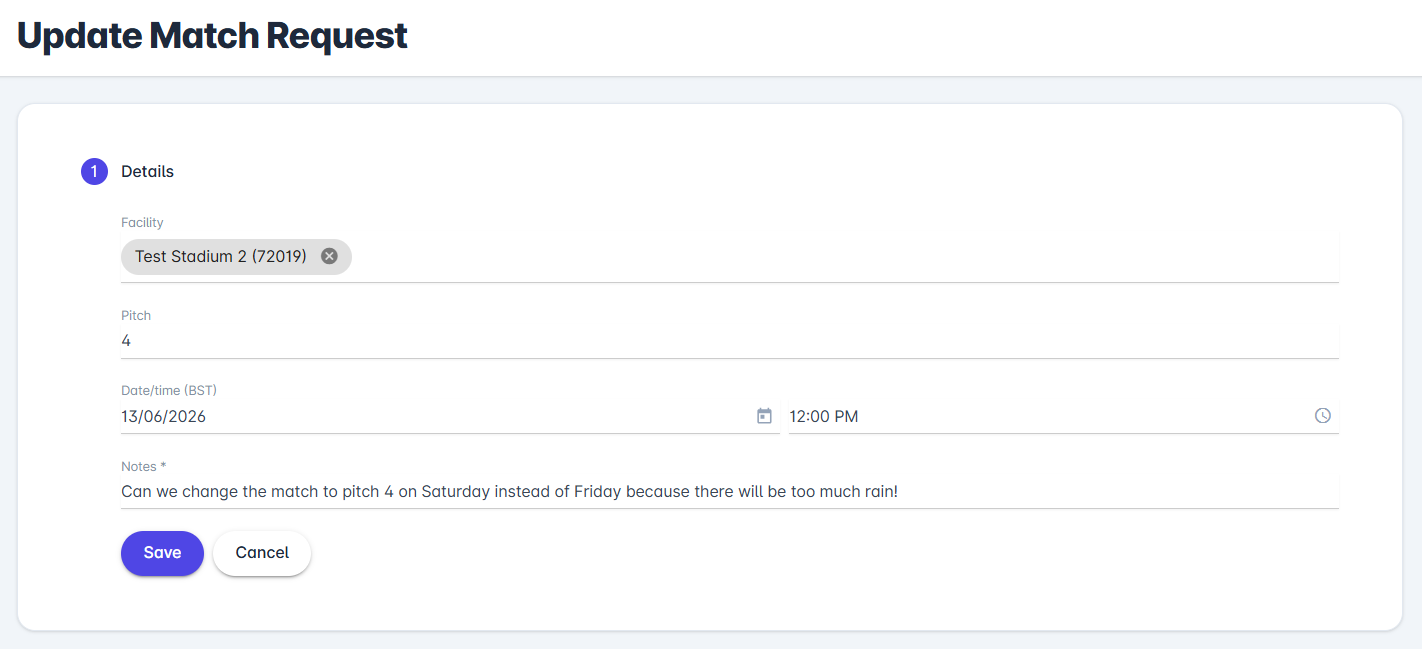
In your update request, you can provide the Competition Manager and opposition team with the information they need to make the required changes to the match, as shown in the example below:
You can then view the request by clicking on the same section used to add the request.
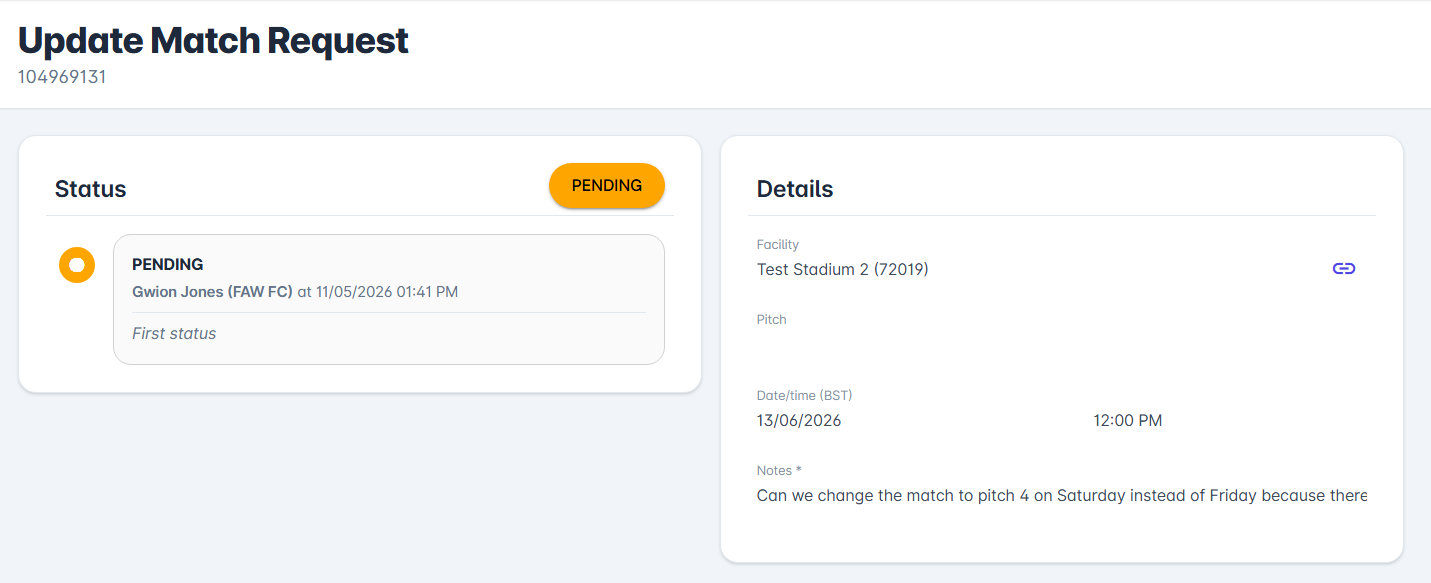
The opposition team will then receive an email of this request which they can then view which will take them straight to the update match request page where they can either:
> Return - Send the request back to the initiator for changes
> Submit - Accept changes and forward the request to Competition Managers
> Cancel - Fully cancelling the request and keeping the match as first stated
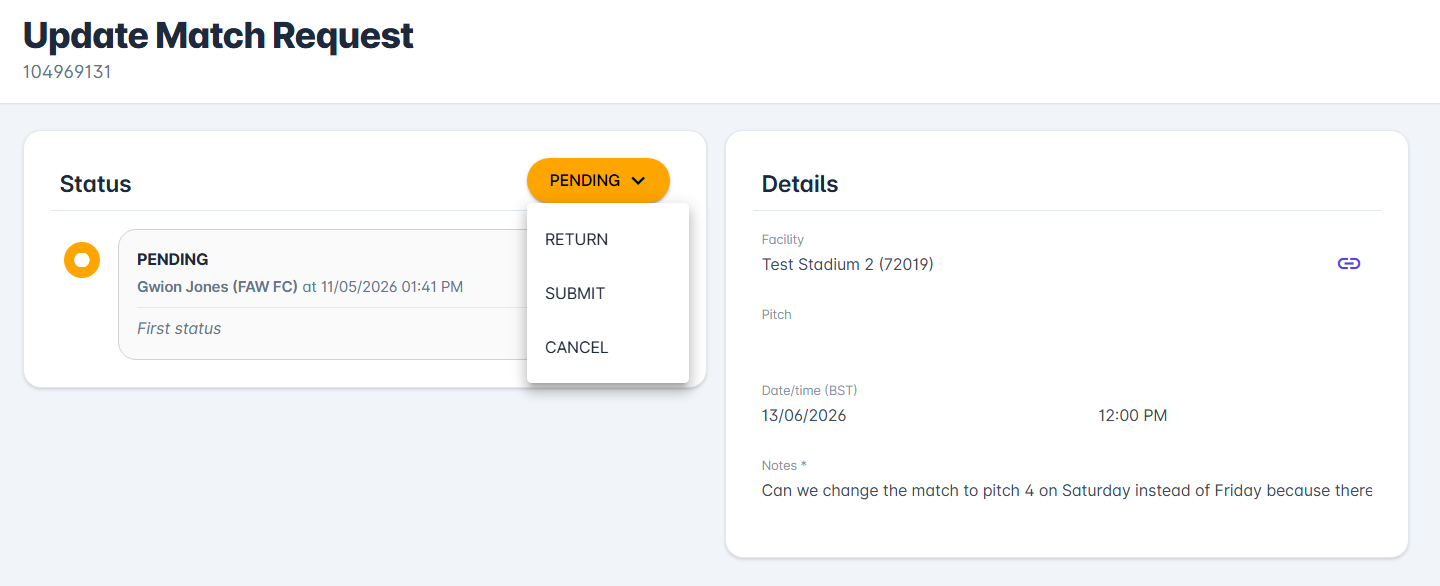
By clicking on the arrow next to 'Pending' this pop up box will appear which will then be sent to the Competition Manger if 'Submitted' is selected, or back to the initiating club if 'Returned'.
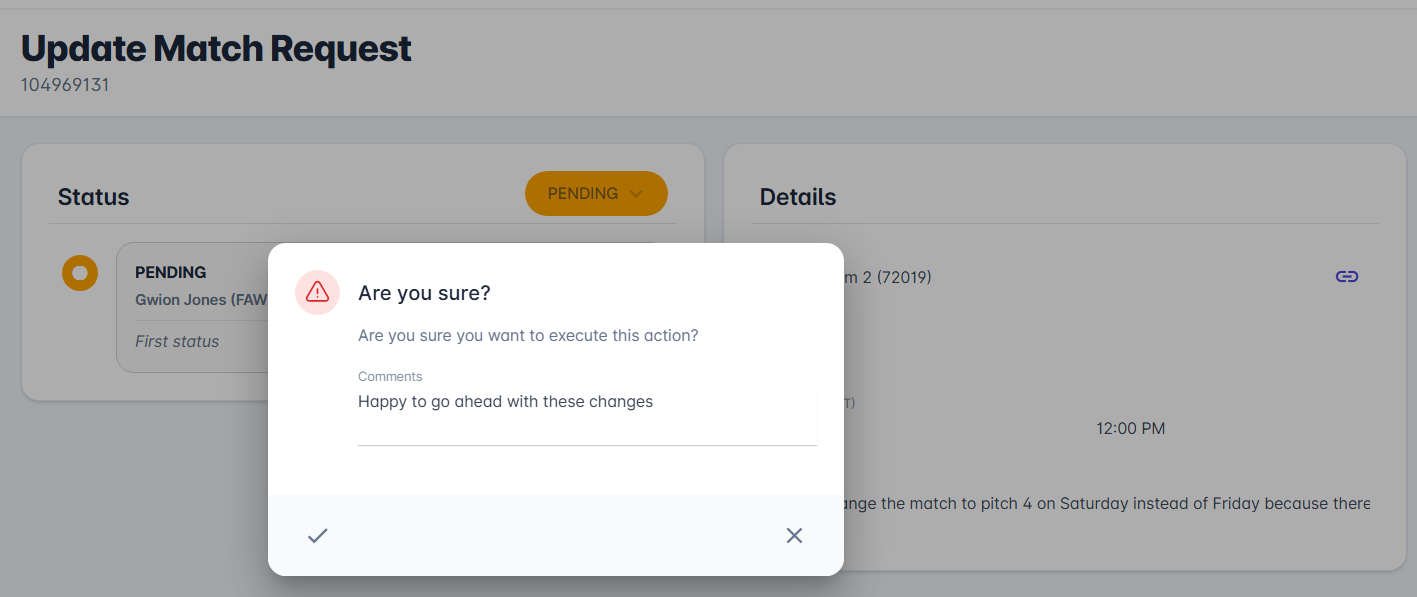
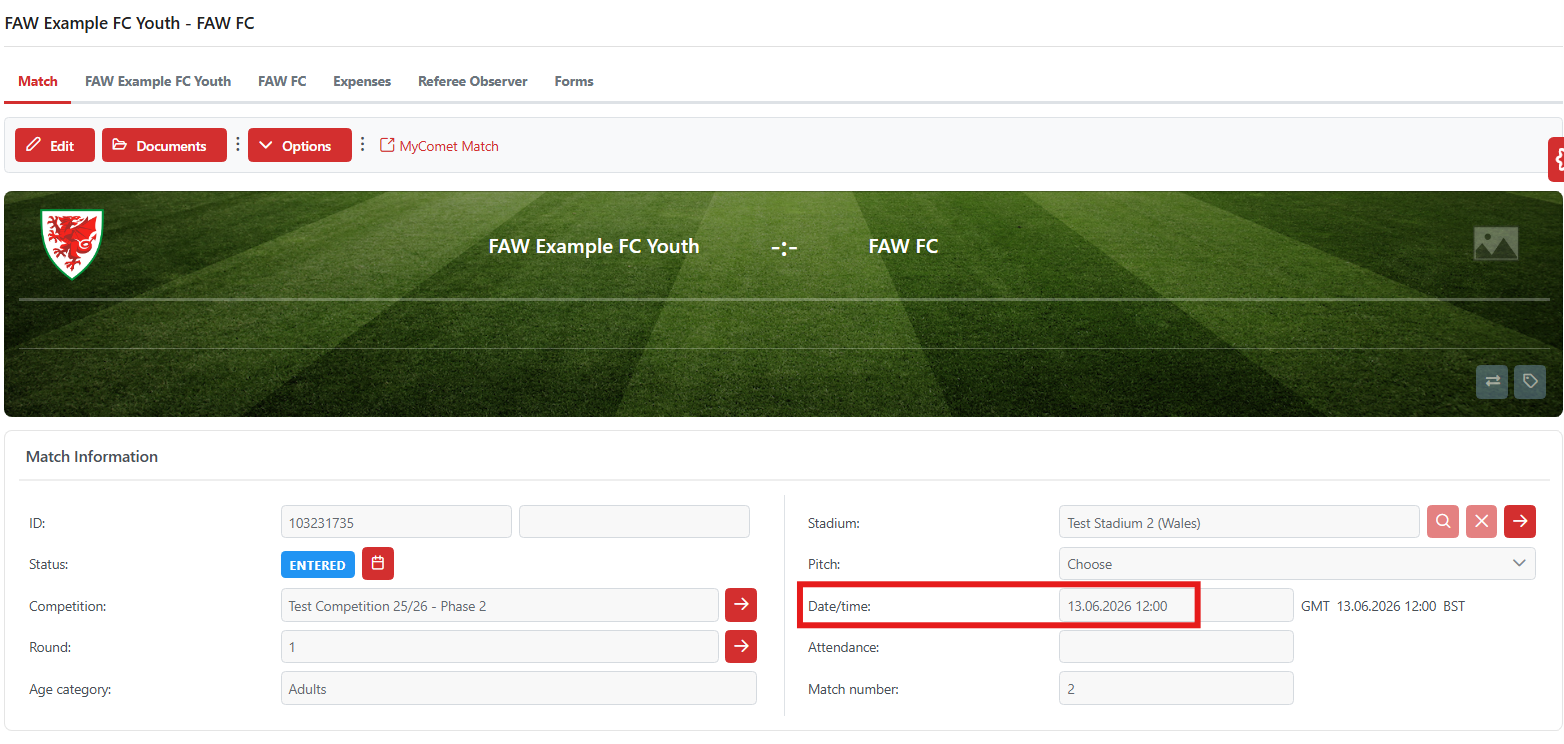
Once confirmed by the Competition Manager, the changes within the update match request will be automatically updated within the match.
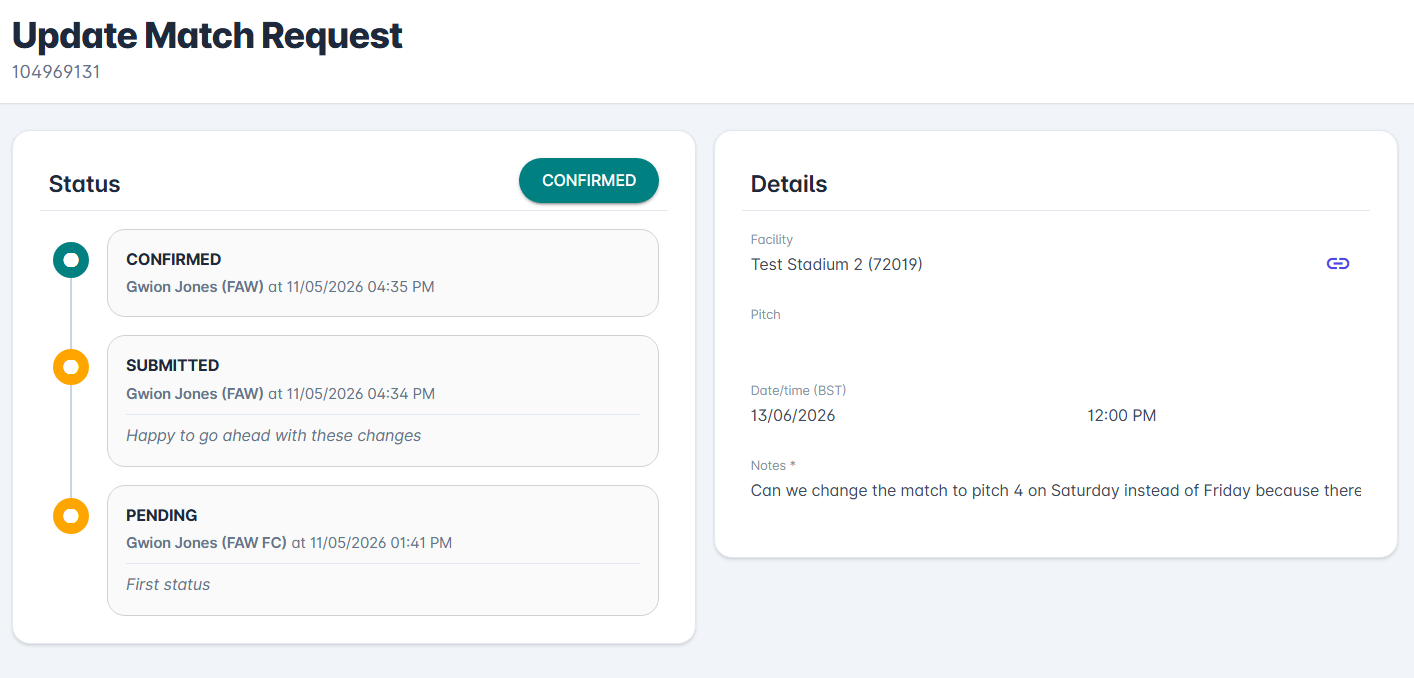
Updated match details below:
Was this article helpful?
That’s Great!
Thank you for your feedback
Sorry! We couldn't be helpful
Thank you for your feedback
Feedback sent
We appreciate your effort and will try to fix the article